
Features
Puhera AI Phone Assistant
The Puhera AI phone assistant is an AI that talks with customers who call your business in a natural voice. It uses the same knowledge base and tools as your chatbot: it gives information, looks up orders and creates appointments. Call transcripts are stored in the panel with your other channels, and you can try the assistant live from your browser before going live.
At a glance
- What it does An AI assistant that talks with callers in a natural voice
- Knowledge source The same knowledge base and tools as your chatbot
- What it can do Gives information, looks up orders, creates appointments
- Records Call transcripts are stored in the panel
Why is the phone still a missed channel?
In many businesses the phone goes unanswered outside working hours or at busy times. A customer who wants to book, ask about a product or check an order rarely calls twice; they go to another business.
The Puhera AI phone assistant picks up those calls. Instead of navigating a menu, the caller simply asks their question out loud.
What can the assistant do on the phone?
The phone assistant uses the same knowledge base and tools as your chatbot, so it does the same work by voice:
- Answers business details, policies and frequently asked questions
- Looks up order status (when your order integration is connected)
- Creates appointments over the phone
We explain how to prepare that knowledge on the AI knowledge base page.
Choose your brand's voice
Pick the voice that fits your brand from several options. Premium voices are available too and use extra credits.
Try it before you go live
From the panel you can talk to the assistant live through your browser and listen to its answers. That way you spot gaps in the knowledge base and tune the assistant's tone and directive before the line goes live.
Conversations in the panel, transparent usage
Phone call transcripts are stored in the panel next to the conversations from your other channels, so you can read afterwards how each question was answered. Usage is measured in credits per minute.
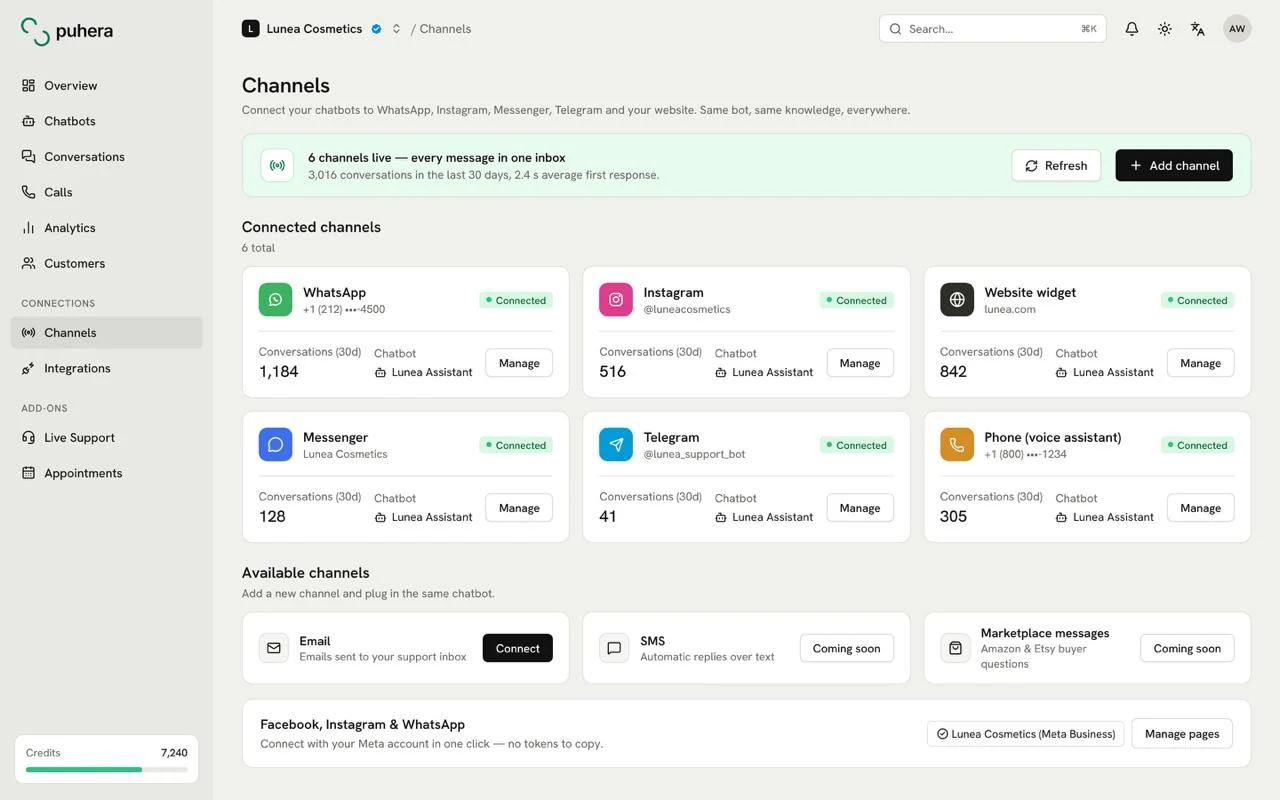
The phone is one of the channels Puhera supports. The same assistant can also run on your website, on WhatsApp, Instagram DM, Messenger and Telegram.
How do you use the Puhera AI phone assistant?
-
Prepare your bot and knowledge base
Crawl your website and add your files and FAQ; the assistant talks from the same knowledge.
-
Choose the voice and tone
Pick a voice and speaking tone that fit your brand and write the assistant's directive.
-
Enable the phone channel
Turn on the phone channel in the Puhera panel to get the voice assistant ready.
-
Try it live in your browser
Talk to the assistant in the panel with the questions callers ask most and fill any gaps.
-
Go live and review transcripts
Switch the channel on and review call transcripts in the first days to improve the knowledge base.
How does the AI phone assistant work?
When a customer calls your business number, the AI assistant greets them and talks in a natural voice. It uses the same knowledge base and tools as your chatbot to give information, look up orders and create appointments.
Can the assistant book appointments over the phone?
Yes. Together with the appointments add-on, the assistant can create appointments over the phone.
Can I choose a different voice?
Yes. You can pick the voice that fits your brand from several options; premium voices use extra credits.
Can I test it before going live?
Yes. You can talk to the assistant live through your browser in the panel.
Are the conversations recorded?
Call transcripts are stored in the panel, like the conversations from the other channels.
Can I try Puhera for free?
Yes. You can try it free for 7 days with no credit card, just email verification; the trial has a lower credit limit and a few other limits.
Try Puhera with your own data.
Free for 7 days, no credit card. Connect your sources, test the bot in preview, and publish when you are ready.
Start your 7-day free trialNo credit card · No code · Live in 5 minutes